BACP
The largest professional body for counsellors and psychotherapists in the UK, with a public register you can search by name.
Counsellor website design
Good website design for counsellors starts with the visitor. Most visitors researching a counsellor already know the title isn't regulated, and they're quietly deciding whether they trust you within seconds of landing on your site. That's what we design for first.
No design fees. No build costs. Cancel anytime.



5-star reviews across Trustpilot and Google
Not a counsellor? See our guide for therapists & psychotherapists or for psychologists.
“Counsellor” is its own profession, not just a general label for anyone doing talking therapy — and it's a crowded one. Standing out isn't about shouting louder, it's about being the easiest name on the list to trust.
people are registered as a counsellor or psychotherapist with BACP alone — before counting NCPS, COSCA and everyone practising unregistered
BACP, 2026
of people advised to see a therapist were specifically told to see a BACP-registered one — the rest had to work out who to trust on their own
BACP Public Perceptions Survey, 2026
Already have a website?
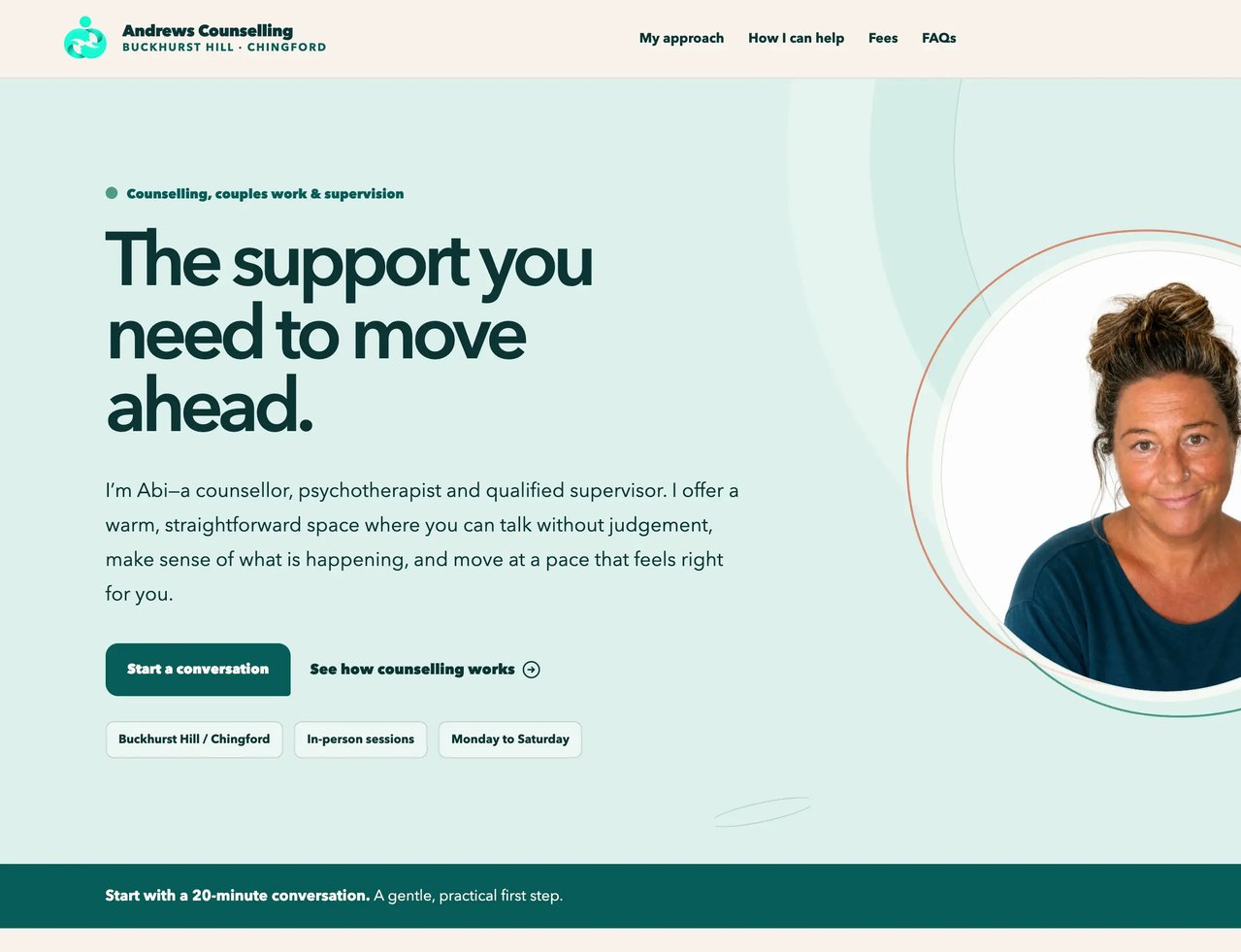
Keep your domain and the content that already works. We rebuild the design, structure and first impression around it — here's a real redesign, for a counsellor moving on from Wix.
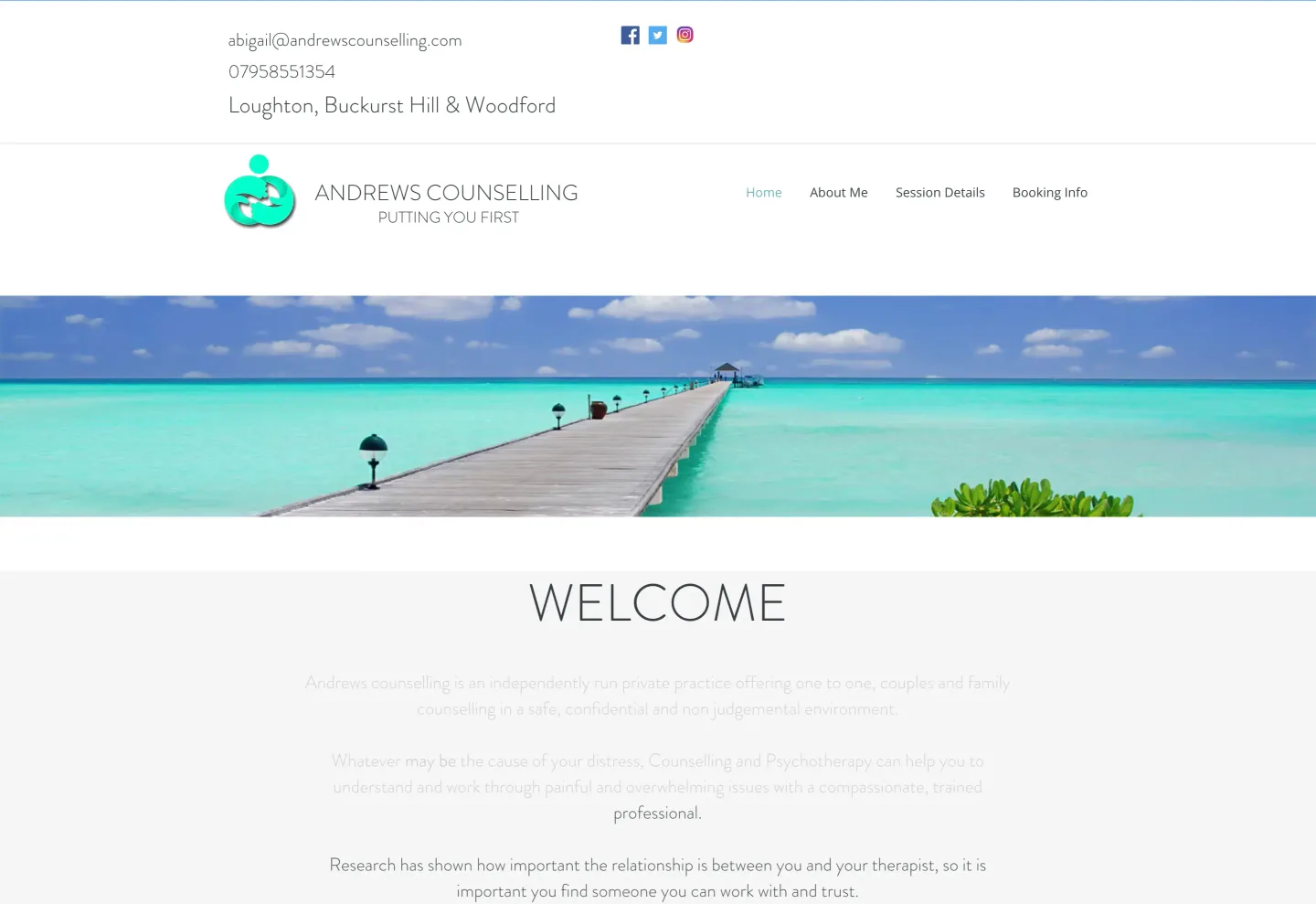
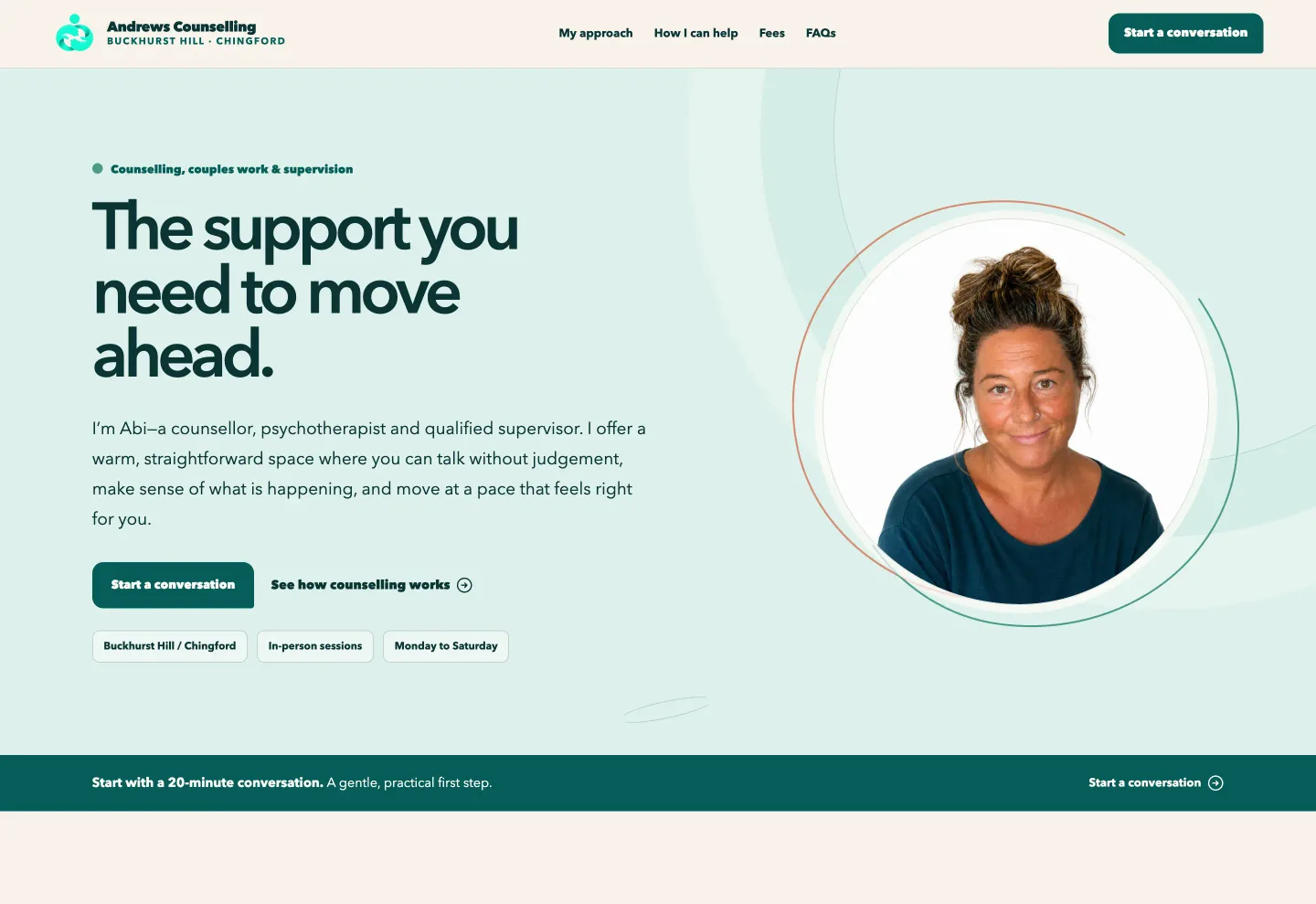
What changed
What a client is really deciding
Someone landing on a counsellor's website is quietly working through the same six questions, whether they say so or not. A good site answers all of them without making the visitor dig.
The trust gap
Unlike “clinical psychologist”, “counsellor” isn't a legally protected title in the UK — there's no law stopping someone unqualified from using it. Only around a quarter of people who see a therapist actually check qualifications first, according to BACP's own 2026 survey, which means most people are trusting on instinct alone unless your site makes checking effortless. BACP explains what to check before starting with a counsellor, and it's exactly what we make sure your website answers.
The largest professional body for counsellors and psychotherapists in the UK, with a public register you can search by name.
The National Counselling and Psychotherapy Society — another voluntary register with its own accreditation standards.
Scotland's professional body for counselling and psychotherapy, with its own register and accreditation route.
We build your registration number and register link directly into your site, so a nervous first-time visitor can check you out in one click rather than take it on trust.
The essentials
A prospective client shouldn't have to hunt for reassurance. These are the things every counselling website should get right.
Who you are, who you work with, and why someone should keep reading — not buried under a stock photo.
The way you work and the people you work with, in plain language rather than modality jargon.
BACP, NCPS or another register, with your status and any accreditation shown accurately — not blurred.
Where you see people, how to get there, and whether online sessions are an option too.
What a session costs, any concessions and your cancellation policy, stated up front rather than tucked away.
One short form or a phone number, so the first step never feels like signing up for something.
Answers to the practical questions a visitor new to counselling is too nervous to ask directly.
Plain language on what confidentiality actually covers, its limits, and how you handle enquiry details.
Getting found
A directory profile gets you found, but it also puts you next to every other counsellor on the page — and the directory owns that traffic, not you. Your own site is what turns a one-off search into a client who comes back to you directly next time.
Included with every website
Every page loads fast and is properly structured from the day you launch — the unglamorous groundwork search engines actually reward.
Your core pages are written around what someone actually types when they're looking for a counsellor, not just written well.
Structured so tools like ChatGPT and Google AI Overviews can understand your practice and cite it accurately, not lump you in with a directory listing.
Go further with the Growth plan or add-ons
So someone searching "counsellor near me" finds your profile and your site working together, not competing with each other.
A dedicated page for each specialism you offer, instead of one page trying to rank for everything at once.
Ongoing optimisation, paid ads and monthly content for practices ready to actively grow their enquiries, not just maintain them.
Design principles
A trustworthy registration doesn't count for much if the site around it is slow, cluttered, or looks like every other counsellor template out there.
Most clients search on their phone, often in a quiet, difficult moment — a slow site loses them before they read a word.
Fees and your contact form should be one or two clicks away, never a hunt through a menu.
Strong contrast, readable type, and a site that still works with a keyboard or screen reader.
Built around your own practice and photography, not a stock layout with your name swapped in.
The building blocks
Not abstract principles — these are straight from a real UpTopWeb redesign for a counsellor. See the full before-and-after below.
Your own face in a soft, friendly frame is the single biggest trust signal on the page — and one most counsellor sites still skip.
Where, how and when, answered in three glances rather than buried in a paragraph a nervous visitor has to hunt through.
A committed "start a conversation" button next to a lower-pressure "see how it works" link, for visitors who aren't ready to commit yet.
A quiet, persistent prompt near the bottom of the page for visitors who read everything before they're ready to act.
Example designs
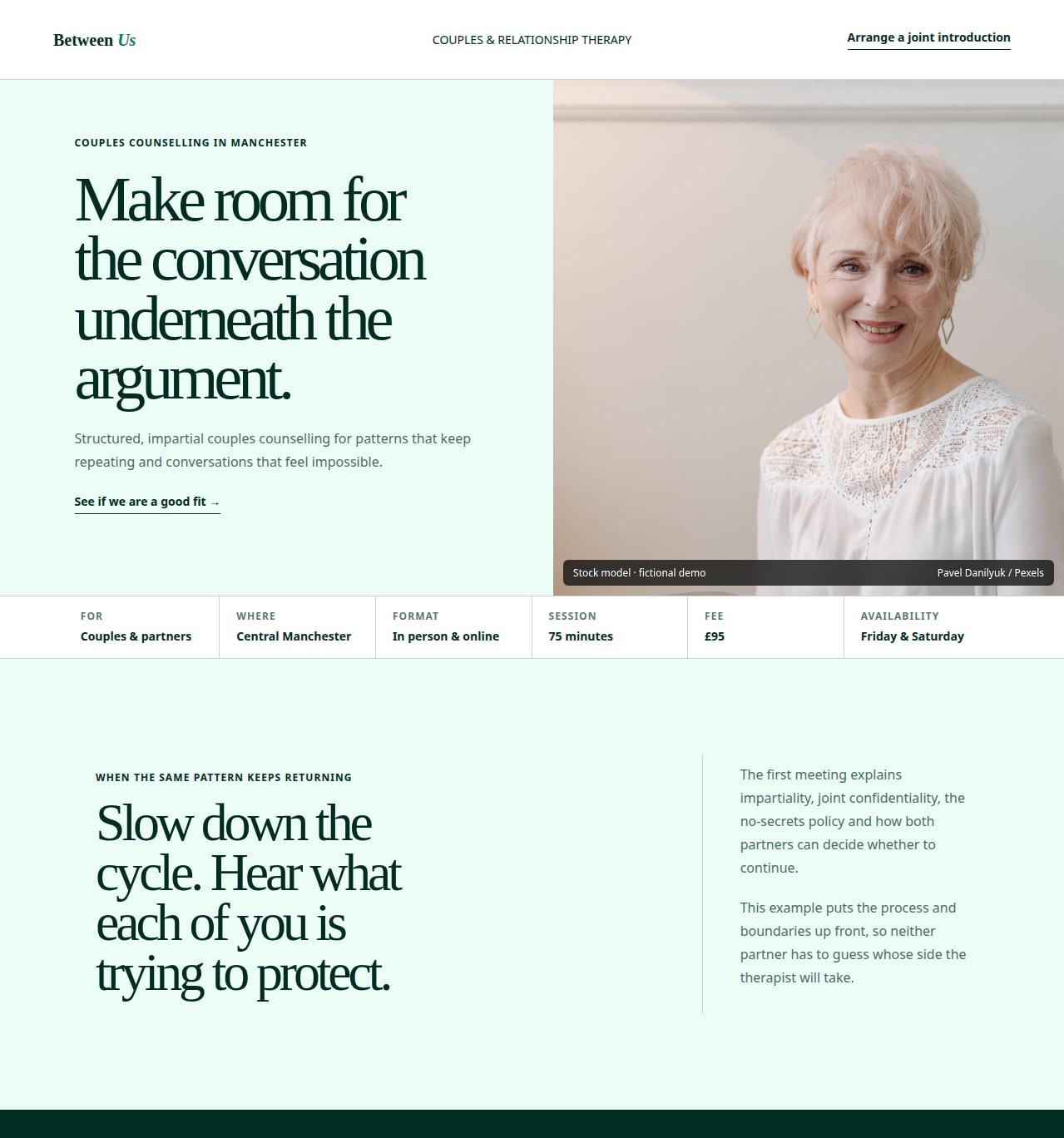
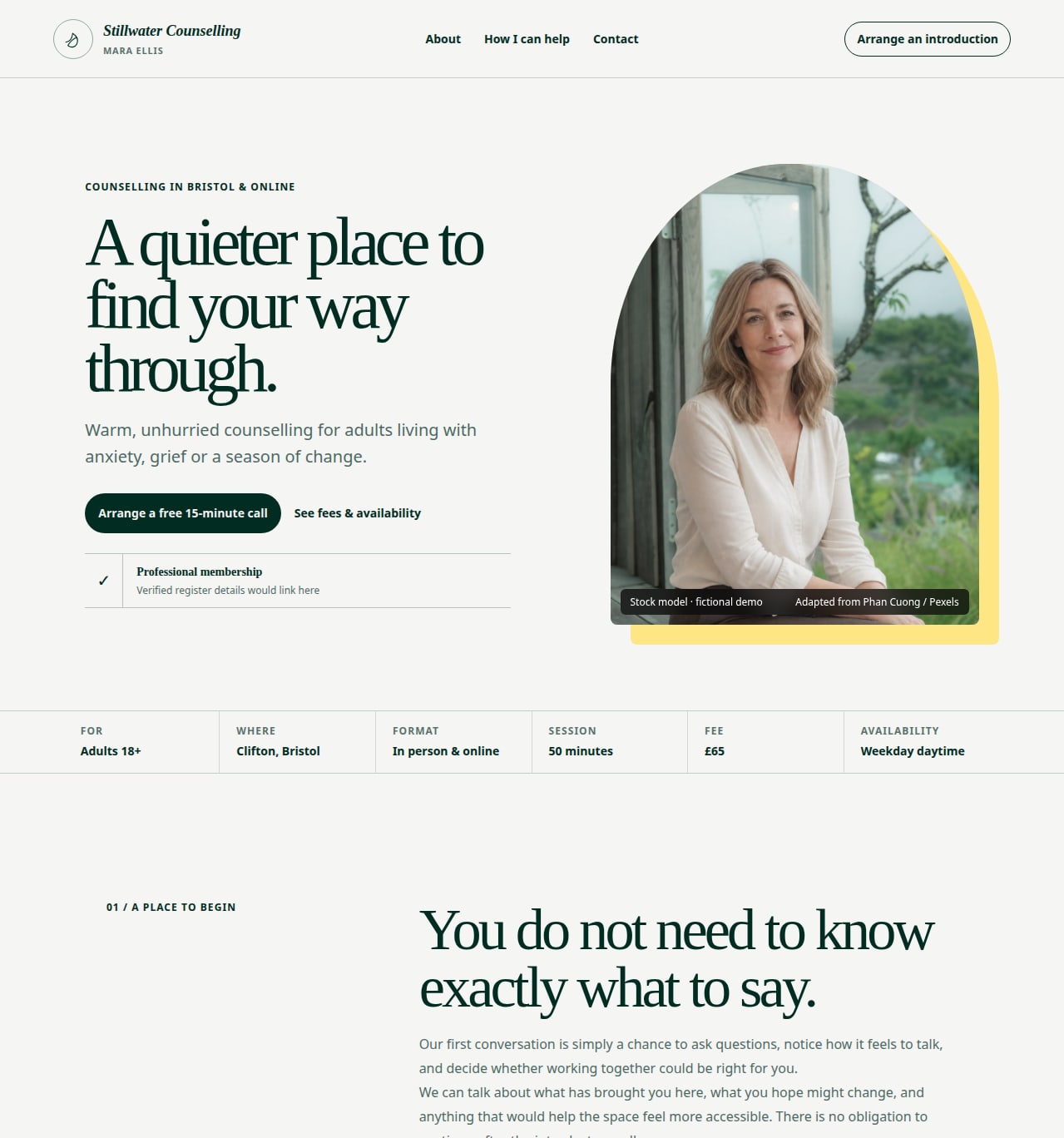
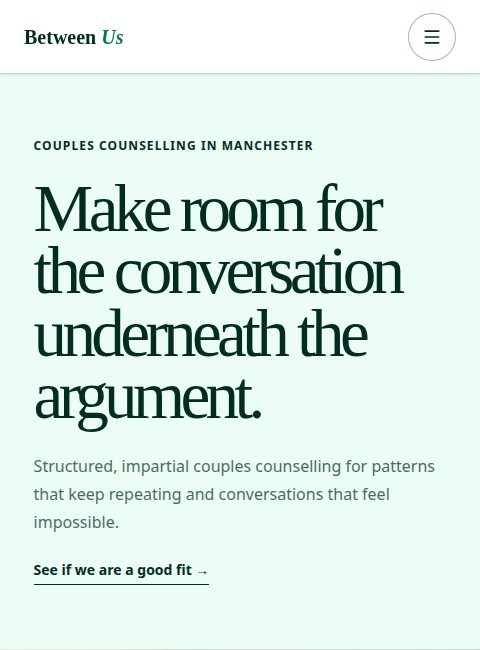
These are fictional demonstrations, built around UK private-practice best practice and real stock photography — covering person-centred counselling and LGBTQ+ affirming, neurodiversity-aware counselling.
Warm, unhurried counselling for adults living with anxiety, grief or a season of change.
View the full demoLGBTQ+ affirming and neurodiversity-aware counselling shaped around your communication and access needs.
View the full demoPricing
Free design and build, then a simple monthly plan.
10-day free trial — no charge while we design and build your site
Want to be found for specific topics and areas? Our Growth plan, at £39.99/month, adds up to 10 topic and location pages, a blog, Google Business Profile setup and more. Compare both plans
Further reading
A good website is one part of starting a private practice. These two guides cover the rest.
FAQ
Yes. We design and build your counsellor website at no upfront cost. The only ongoing charge is your plan's monthly fee, from £19.99 a month, for hosting, support and unlimited edits, with a 10-day trial before billing starts.
No — "counsellor" isn't a legally protected title in the UK, so there's no legal requirement to register with a professional body. Voluntary registration with BACP, NCPS or a similar accredited register is still the main way clients can verify you, so we make sure your status is shown clearly and accurately.
Yes. Whether you're registered with the BACP, NCPS, COSCA or another body, we'll make sure your status and any accreditation is represented accurately — nothing overstated, nothing blurred.
It depends on your professional body's current guidance, and they don't all agree. Some allow testimonials with a client's informed consent; others are more cautious given the power dynamic in a therapeutic relationship. Check your own body's rules before publishing any, and we'll help you get the wording and consent process right either way.
Yes. It's common to combine counselling with supervision, training or another related role, and your site can present all of it clearly without any one service getting lost. We structure the pages so each service has its own clear space rather than competing for the same paragraph.
Yes, this is one of the most common starting points we see. We design and build a full site around your existing profile, so you're not solely dependent on a directory for enquiries.
Usually, yes. Clients can check the BACP Register or the NCPS Accredited Register themselves, so stating your exact membership level, such as registered member or accredited member, with your number or a link to your register entry, lets them verify you in seconds. Use only the wording and logo your body allows for your membership level.
Your site can say exactly where you are, for example "BACP registered member, working towards accreditation", as long as the wording matches your body's guidance. We avoid anything that implies an accreditation you don't hold yet, and update the wording when your status changes.
Yes. Your domain and the content that's already working come with you. We design and build the replacement site around them rather than starting from nothing, and can cover the cost of a .co.uk domain if you don't already have one.
Yes. The enquiry form only asks for what's needed to reply and offer a first conversation — never a clinical history or anything that isn't your business to collect up front.
It gives you the best foundation we can. Every site launches with foundational SEO (structure, page speed, headings and metadata) and AI search optimisation, and your pages are written in the words clients actually search with, such as counselling or therapy in your town. Our Growth plan, at £39.99 a month, adds up to 10 topic and location pages, a blog and Google Business Profile setup, and advertising or ongoing content writing are available as paid add-ons.
A first draft is usually ready within 24–48 hours of your brief, then we refine it with you until you're happy. Your 10-day trial gives you time to check everything properly before any billing starts.
No contract, ever. Cancel free during the 10-day trial, or afterwards whenever you like — your site comes down and billing stops the moment you do.
10-day free trial
We design and build your counsellor website at no cost. Maintenance is from just £19.99/month, with your first 10 days free.